 Snowfall
Free module · PrestaShop 1.6 to 9.x · PHP 5.6 to 8.5
Snow on your shop, without slowing it down
Snowfall brings your shop to life in winter with a light and elegant snow. One small script, which lets every click through, comes back by itself every year on the dates you choose and loads nothing the rest of the time.
- 1
- small script, loaded after the page
- 0
- file loaded off season
- €0
- no subscription, no advertising
01 - How it works
How does it work?
From installation to a snowy winter, in three steps
Installation
Install the module: the snow falls at once on every page of the shop, with default settings ready to use.
Settings
Choose the number, size, speed and color of the snowflakes, the pages concerned and the period of the year.
Every winter
On each page, the module checks whether the snow should fall today. Off season it adds nothing: the snow comes back by itself the next winter.
02 - Highlights
What sets it apart
Six design choices, for a snow that brightens the shop without getting in the way
- One small script
- No library, no image, no style sheet: one script loaded after the page, which does not delay the display of your products.
- Never in the way of a click
- The snow is drawn above the page but lets every click, tap and text selection through.
- Only what can be seen
- The snowflakes are drawn on the visible part of the page, and the animation pauses while the tab is in the background.
- Fits the device
- The number of snowflakes follows the size of the screen and goes down by itself on a device that cannot keep up, to stay smooth.
- Back every winter
- A period without a year, from 1 December to 6 January for instance: the snow comes back by itself, without a thought.
- Respects your visitors
- No snow for visitors who asked their device to reduce animations. Setting enabled by default.
03 - Settings
Your snow, your way
Everything is set from the Settings tab of the module, shop by shop
Season
One period a year
A first and a last day, over the new year if needed. Or snow as long as the module is enabled.
Pages
The whole shop or the home page
Snow on every page or only on the home page, with or without phones.
Look
Number, size, speed, color
From a light veil to a storm, in white or in the colors of your brand, with snowflakes that move away from the mouse.
04 - Demo
Watch the snow fall on our demonstration shop
A real PrestaShop shop with the free Mediacom87 modules installed: nothing to download, no account to create.
On the shop
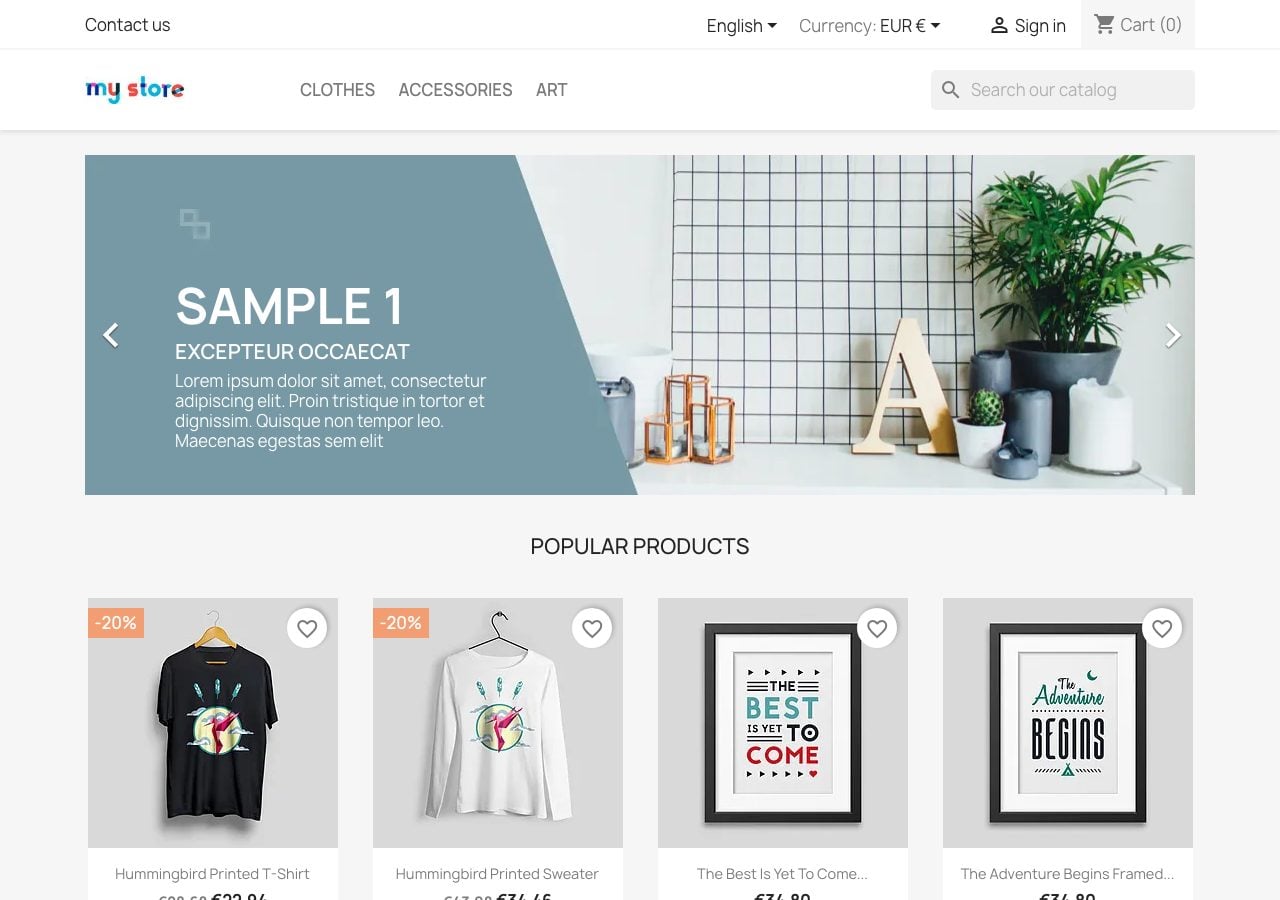
The snow falls from the home page of the demonstration shop: move the mouse among the snowflakes, click a product, open the page on your phone.
In the back-office
The “Backoffice access” button of the home page logs you into the back-office: then open the Snowfall module from the module manager and browse its settings.
Shared demonstration
Every visitor uses the same shop: the settings you change apply to the others too. Do not enter any real data.
05 - Comparison
Three ways to add snow to your shop
They do not weigh the same
| Script pasted into the theme | Basic snow module | Snowfall | |
|---|---|---|---|
| What is loaded | Library, images | Depends on the module | One small script, after the page |
| Clicks on the products | Sometimes blocked | Depends on the module | Never blocked |
| Tab in the background | Animation keeps running | Animation keeps running | Paused |
| Period of the year | Removed by hand | Dates changed every year | Back by itself every winter |
| Reduced motion | Ignored | Rarely | Respected |
| Price | Free | Varies | Free |
Comparison made in November 2026. On a theme with a white background, choose light blue or light grey snowflakes: white ones would not be seen.
06 - Free
Free, and it will stay free
The snow works as soon as it is installed, with no sign-up
As soon as it is installed
- Snow on the whole shop or the home page only
- Period of the year repeated every winter
- Number, size, speed and color of the snowflakes
- Snowflakes that move away from the mouse
- Settings for each shop in multistore
- Built-in FAQ
With the free registration
- Live preview in the back-office
- Notification and one-click update
- Support form in the module
- Just your email address, no payment
07 - Technical
Technical specifications
Designed for compatibility and lightness
- PrestaShop 1.6 to 9.x
- As well as thirty bees and Phenix Suite
- PHP 5.6 to 8.5
- Wide server compatibility
- Every theme
- One script added, no change to the theme
- Deferred script
- Loaded after the page, with no library or CDN
- Canvas the size of the window
- Paused in the background, sharp on high density screens
- Accessibility
- Reduced motion preference respected
- Multistore
- Settings for each shop
- Six languages
- English, French, German, Spanish, Italian, Polish
Your shop under the snow this winter
Installed in a minute: the snow falls as soon as the module is enabled, and comes back every year on the dates you choose.